Discord bot for temporary voice channels
Every member creates their own voice channel just by joining a hub. They manage it from a control panel, and the channel deletes itself once it's empty.
Already on Discord servers
Everyone runs their own channel with buttons
Rename, set a limit, lock, invite or transfer: the owner does it all without memorizing a single command.
- Allowlist and blocklist
- The channel disappears once it's empty

Need one more player? One click
The Recruit button announces your open slots, with a live-updating counter.
- One hub per type of voice channel
- Separate service: no downtime during updates
Everything that's included
Free, on as many servers as you like. Only turn on what you need.
Hubs
A lobby channel for each type of voice channel (gaming, chatting, staff…), each with its own name template and settings.
Control panel
Rename, set a user limit, lock, invite, transfer ownership: it's all done with buttons.
Allowlist and blocklist
The owner decides who can and can't join their channel.
Recruiting
One button to announce that slots are open, with a live-updating counter.
Automatic cleanup
The channel is deleted once it's empty, even after the bot restarts.
Always available
Voice channels are handled by a separate service that doesn't restart during updates.
Up and running in 3 steps
No complicated setup: it all takes just a few clicks.
Add Crépuscule
Invite the bot to your server.
Create a hub
On the website: pick the lobby channel, the category and the name template.
You're all set
Your members join the hub and get their own channel.
Frequently asked questions
Got another question? Ask on the support server.
How do I create temporary voice channels on Discord?
Add Crépuscule, then create a hub on the Temporary voice channels page of the website. Every member who joins the hub gets their own channel.
Is the temporary channel deleted automatically?
Yes, as soon as it's empty, after a short grace period you can configure.
Can I have multiple hubs?
Yes, each with its own category, name template and default settings.
Explore more
One bot for your entire server.
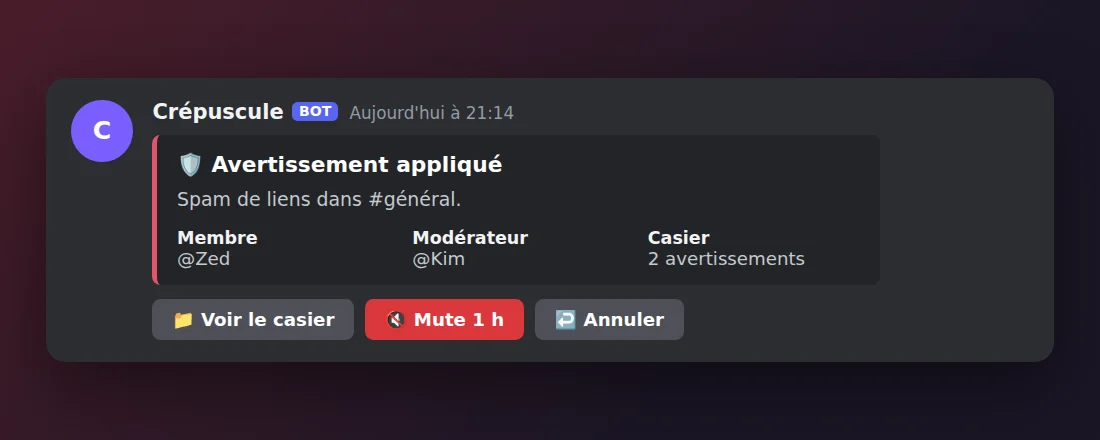
Moderation
Sanctions, records and appeals, from Discord or the website.
Learn more →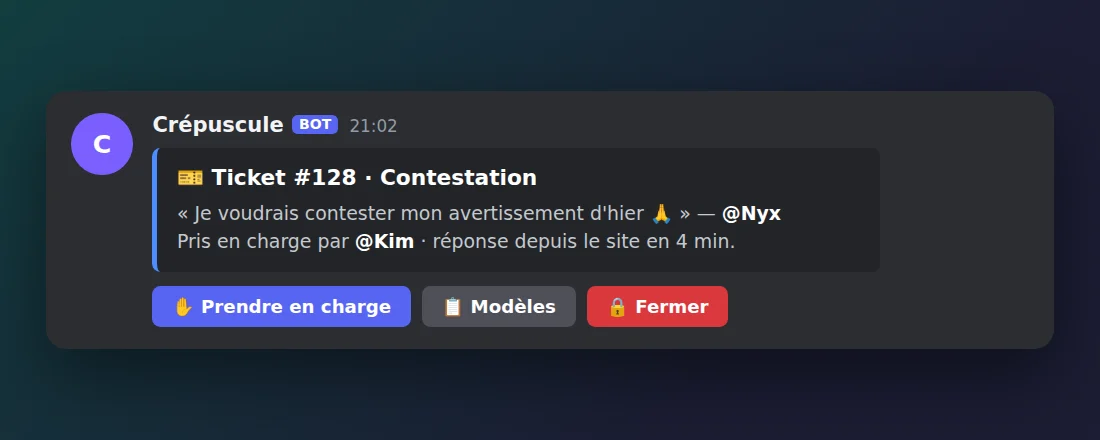
Tickets
Support via DM or in a channel, with replies from the website.
Learn more →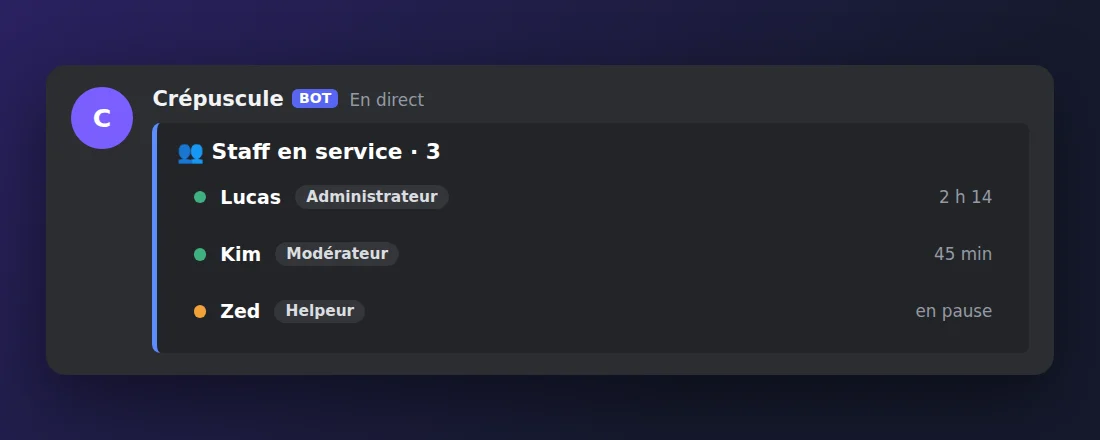
Staff management
Ranks, permissions, clock-ins and activity recaps.
Learn more →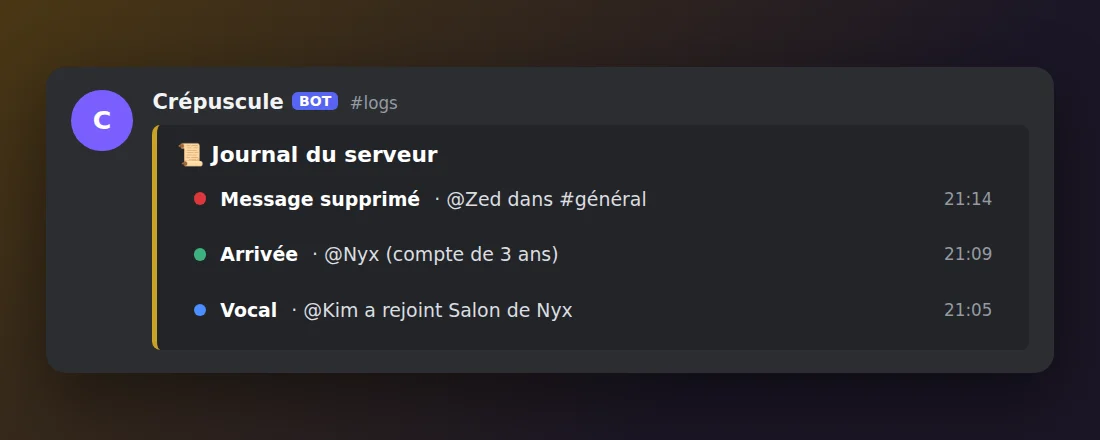
Logs
Deleted messages, joins, voice and staff actions.
Learn more →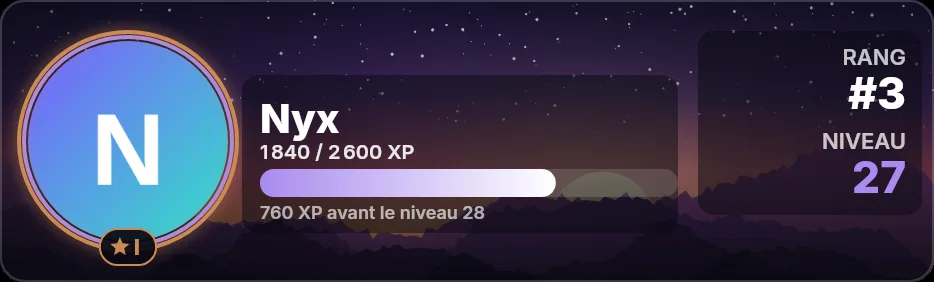
Levels & XP
Text and voice XP, reward roles and a leaderboard.
Learn more →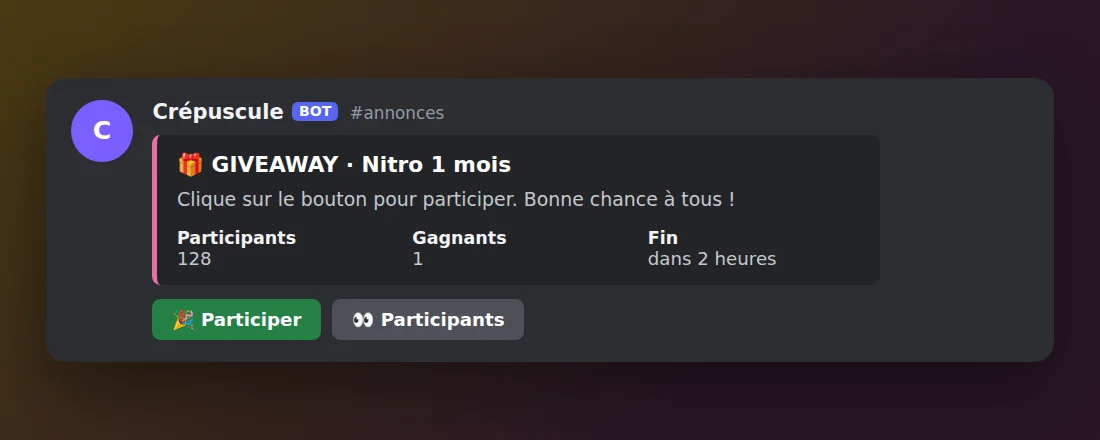
Giveaways
Giveaways, Twitch alerts and custom commands.
Learn more →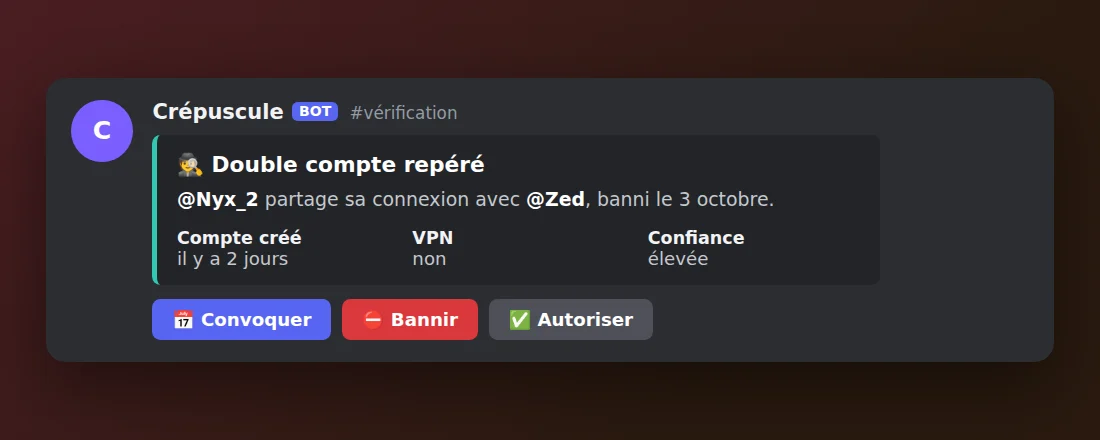
Alt-account protection
Alt accounts and VPNs flagged the moment they join.
Learn more →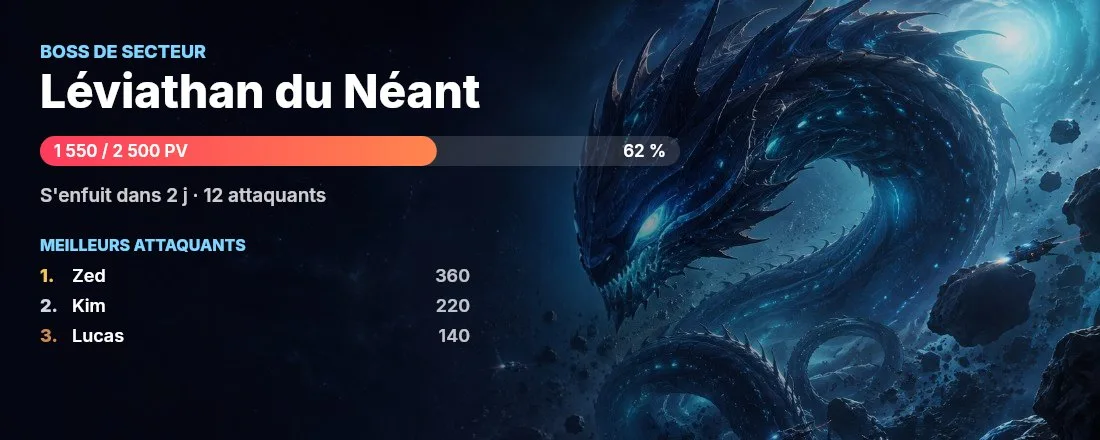
Gate Game
Base building, expeditions, Squadrons and sector bosses.
Learn more →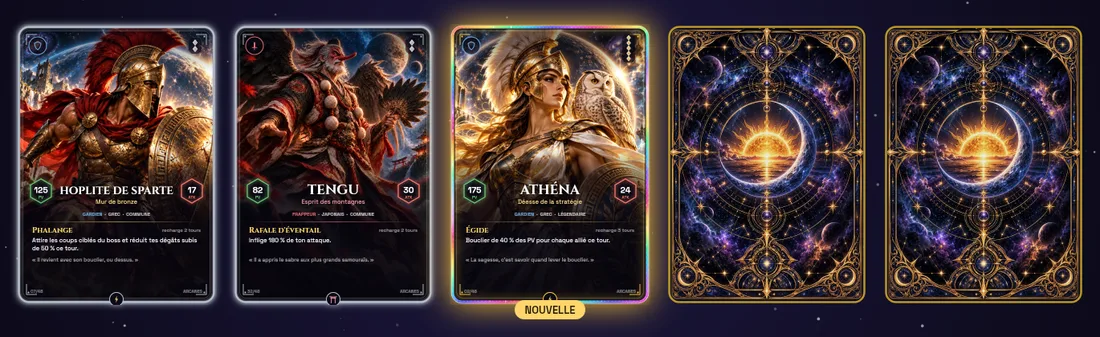
Arcanes cards
Booster packs, mythic cards and team raids.
Learn more →Ready to bring your server to life?
Free, in English and French, on as many servers as you like. Everything is set up from the web dashboard.