Discord ticket bot with a web dashboard
Your members open a ticket in DMs or in a private channel. Your team replies from Discord or from the website, and nothing gets lost.
Already on Discord servers

One button per request type
Support, recruitment, appeals, unban requests: each type has its own allowed ranks and questions.
- In DMs or in a private channel
- Ready-to-use reply templates
Your team replies from the website
New tickets show up live. Claiming, internal chat, transcripts: nothing slips through the cracks.
- See who's handling what at a glance
- Transcripts kept after closing
Everything that's included
Free from Discord, on unlimited servers. The web dashboard for your whole team is part of Premium (€2.99 / month per server).
DMs or private channel
Pick the mode that suits your server: the member DMs the bot, or a dedicated channel is created for them.
Ticket types
Support, recruitment, appeals, unban requests… Each type sets which ranks can see it and handle it.
Claiming
A staff member claims the ticket, so everyone else knows it's being handled. Unclaim or move it in one click.
Reply templates
Common answers are ready to send, so you reply fast and always the same way.
Internal chat
Staff talk privately inside the ticket without the member seeing it.
Transcripts
Keep a full copy of every ticket, even after it's deleted.
Up and running in 3 steps
No complicated setup: everything takes just a few clicks.
Add Crépuscule
Invite the bot to your server.
Create your ticket types
In the dashboard: name, allowed ranks and ticket panel.
Reply
New tickets show up live on the website and on Discord.
Handy commands
/ticket fermer/ticket rouvrir/ticket prendre/ticket liberer/ticket ajouter/ticket retirer/ticket renommer/ticket deplacer/ticket transcriptionThe full list is in the command documentation.
Frequently asked questions
Got another question? Ask on the support server.
How do I set up a ticket system on Discord?
Add Crépuscule, create one or more ticket types in the web dashboard, then post the ticket panel in a channel. Your members just have to click.
Can tickets be handled through DMs?
Yes, with Premium (managed from the website): the member DMs the bot and your team replies from the website, with no extra channel on your server. Without Premium, tickets open for free in private channels.
Can I restrict certain tickets to certain ranks?
Yes. Each ticket type sets which ranks can see it and handle it.
Explore more
One bot for your whole server.
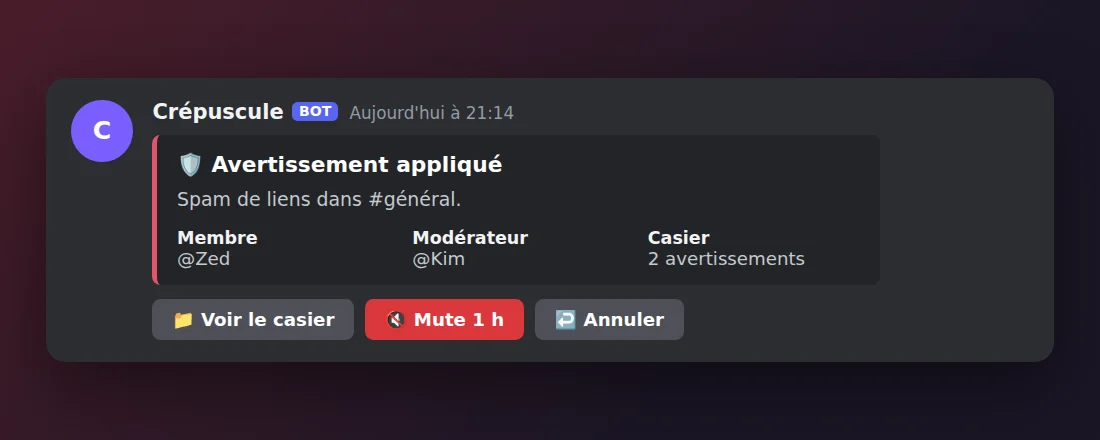
Moderation
Sanctions, records and appeals, from Discord or the website.
Learn more →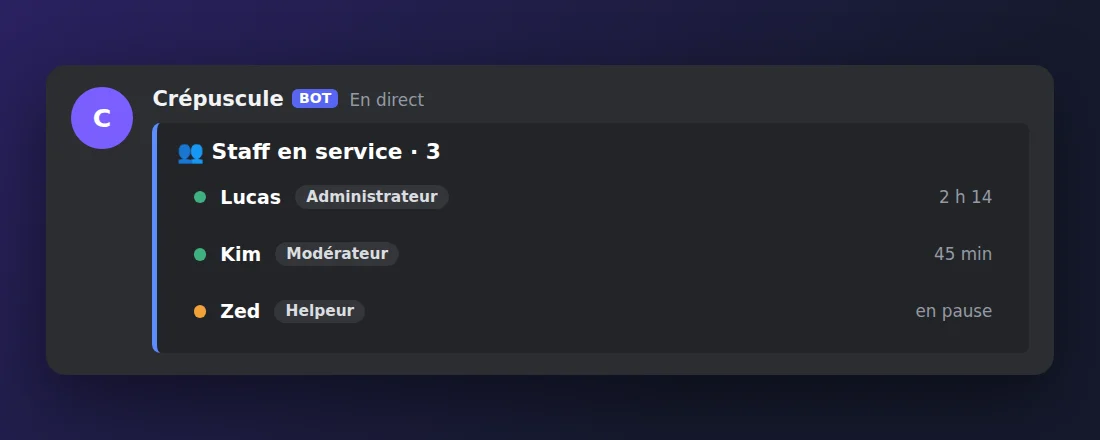
Staff management
Ranks, permissions, clock-ins and activity reports.
Learn more →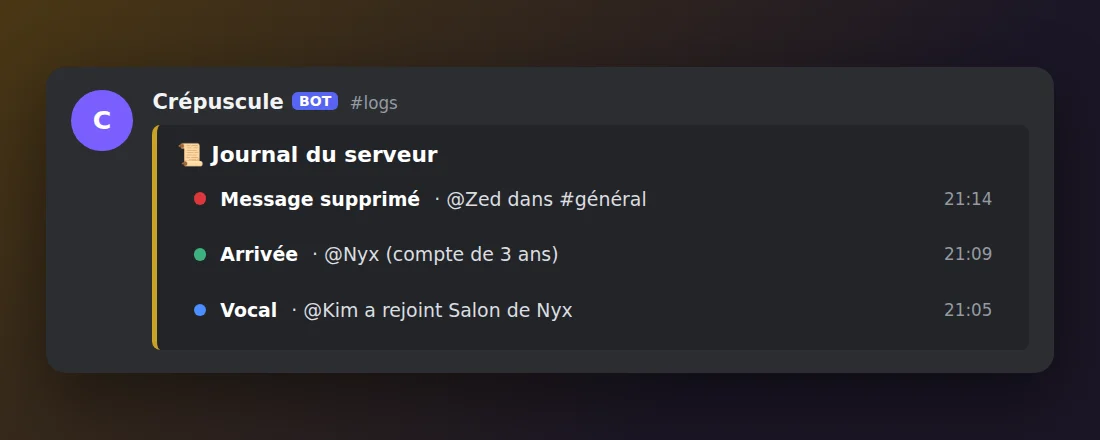
Logs
Deleted messages, joins, voice and staff actions.
Learn more →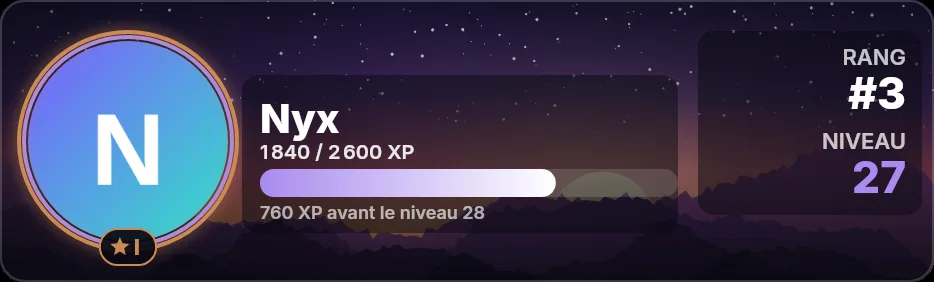
Levels & XP
Text and voice XP, reward roles and a leaderboard.
Learn more →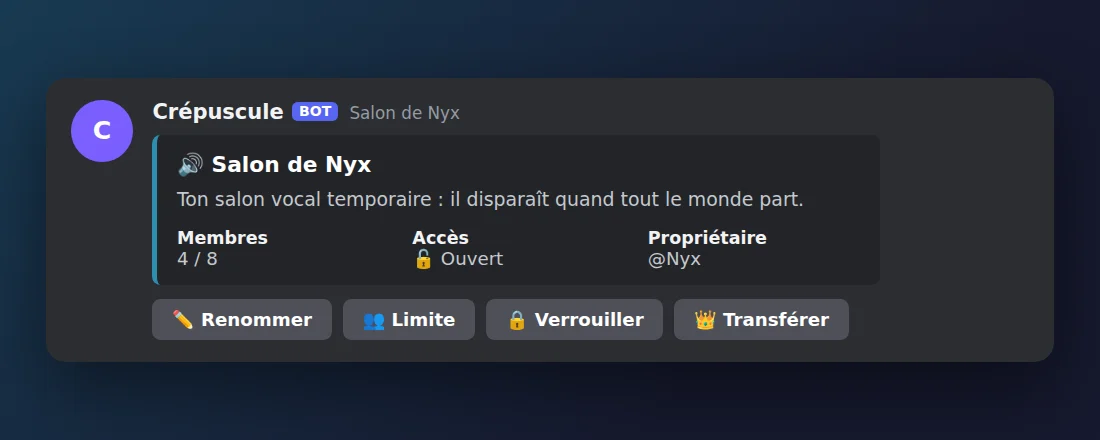
Temporary voice channels
Everyone gets their own voice channel, managed with buttons.
Learn more →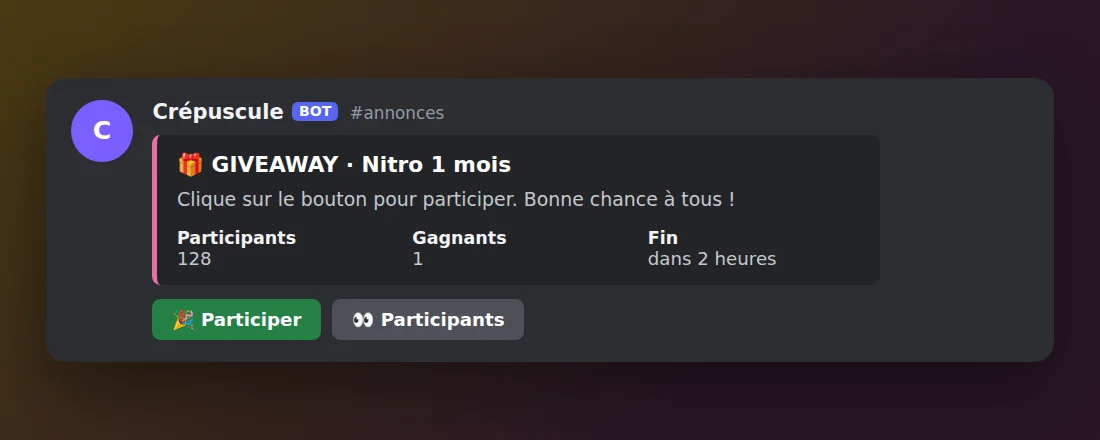
Giveaways
Giveaways, Twitch alerts and custom commands.
Learn more →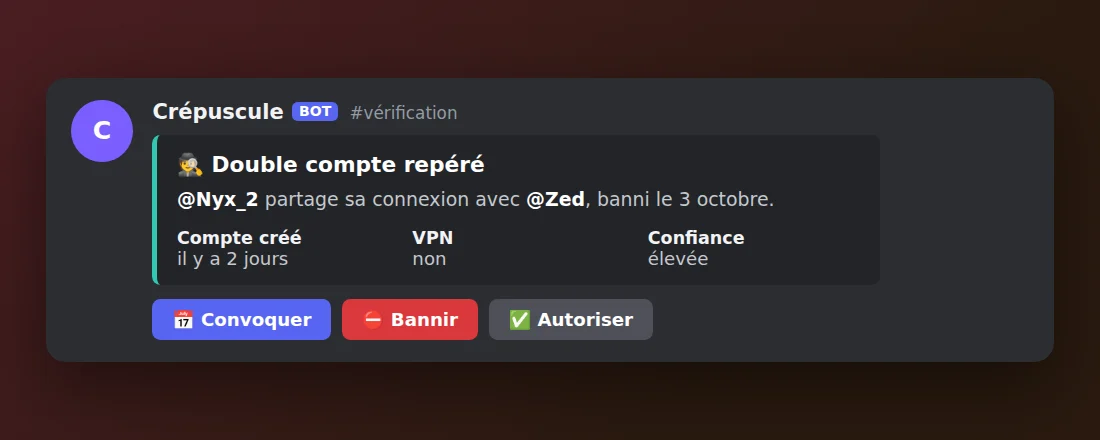
Alt-account protection
Alt accounts and VPNs flagged as soon as they join.
Learn more →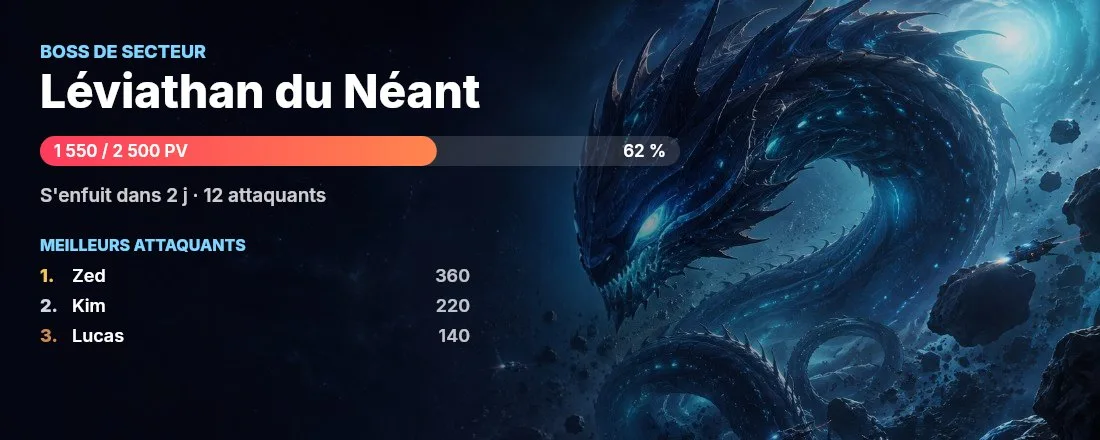
Gate Game
Base, expeditions, Squadrons and sector bosses.
Learn more →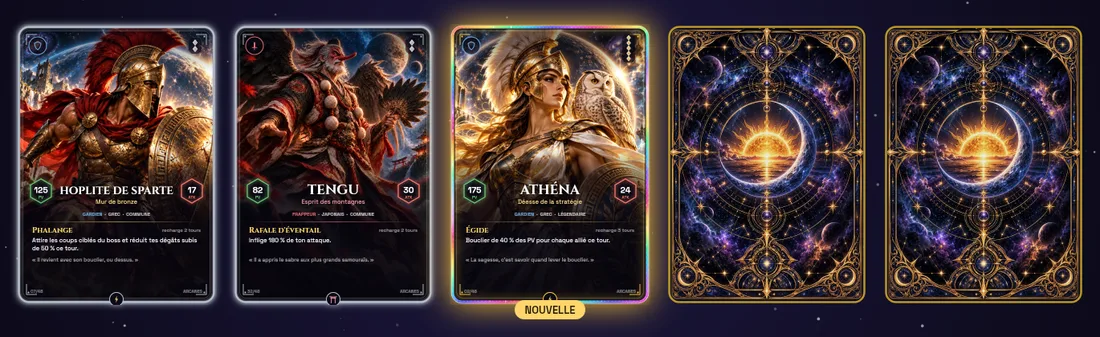
Arcanes cards
Booster packs, mythology cards and team raids.
Learn more →Ready to bring your server to life?
Free, in English and French, on unlimited servers. Everything is set up from the web dashboard.